What it means
An authorised reviewer approved the submitted Campora profile through the current verification workflow. Approved status can unlock eligible discovery, matching and connection features.

Student verification
Campora reviews student profiles and private live face captures before approving access to verification-gated discovery and connection features.
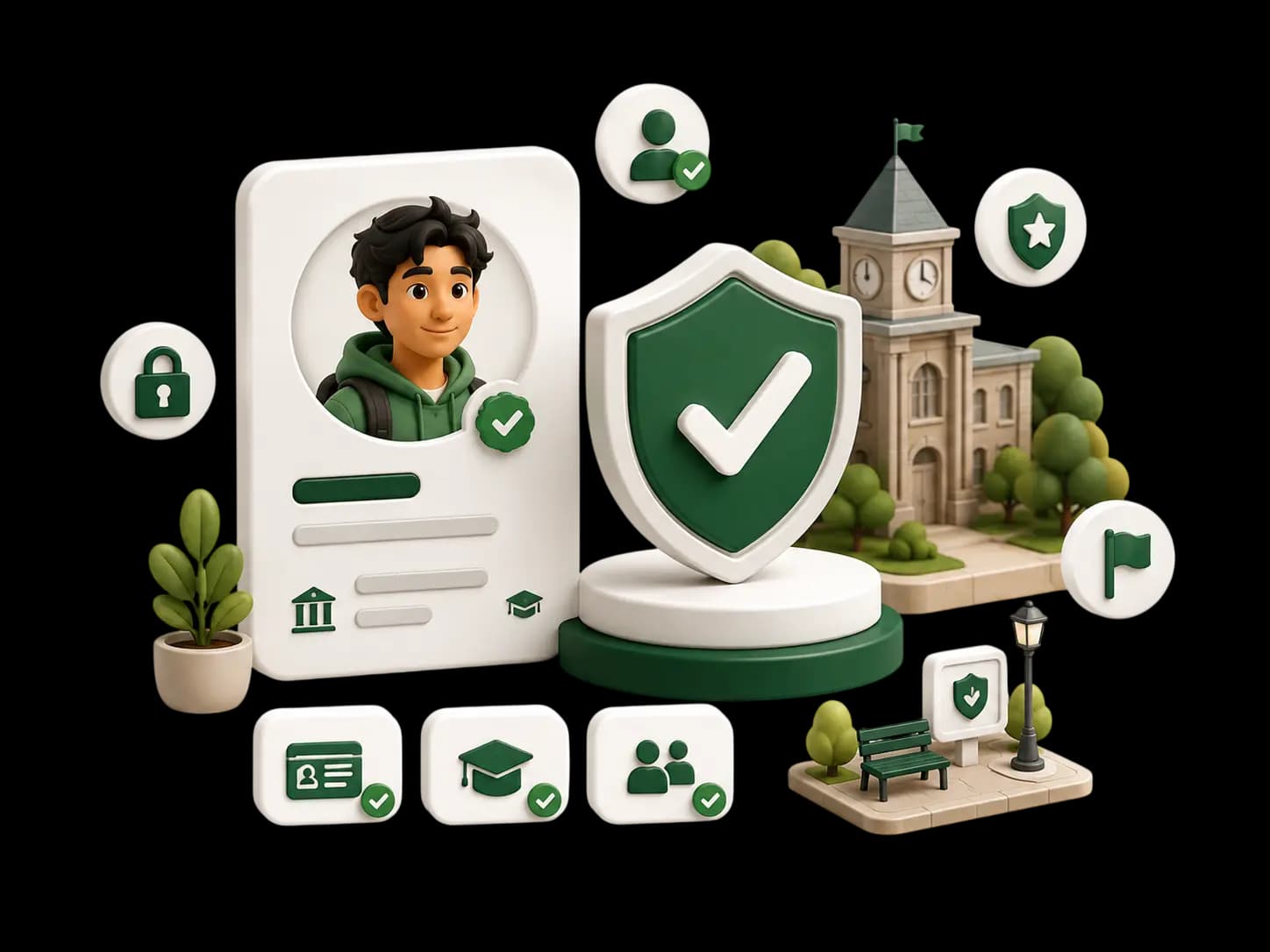
Create a Campora profile
Add college and campus details
Complete a live face capture
Authorised manual review
Receive verified status after approval
An authorised reviewer approved the submitted Campora profile through the current verification workflow. Approved status can unlock eligible discovery, matching and connection features.
Verification is not a background check and does not guarantee identity, honesty, compatibility, conduct, intentions, property details or safety.
Live face captures and review materials are stored privately and made available only to authorised Campora personnel for verification and legitimate safety review.
Approval is not instant. A reviewer may reject a submission or request a clearer resubmission when the available material is insufficient.
Changing an approved profile photo triggers reverification. The replacement photo is uploaded first, verified status is removed, and a fresh live face capture and authorised review are required. Unrelated profile edits do not trigger this workflow.
Learn more about student safety and how verification data is handled in our Privacy Policy.
Create your Campora profile and complete the verification steps when you are ready.